Little builders Ages 3+
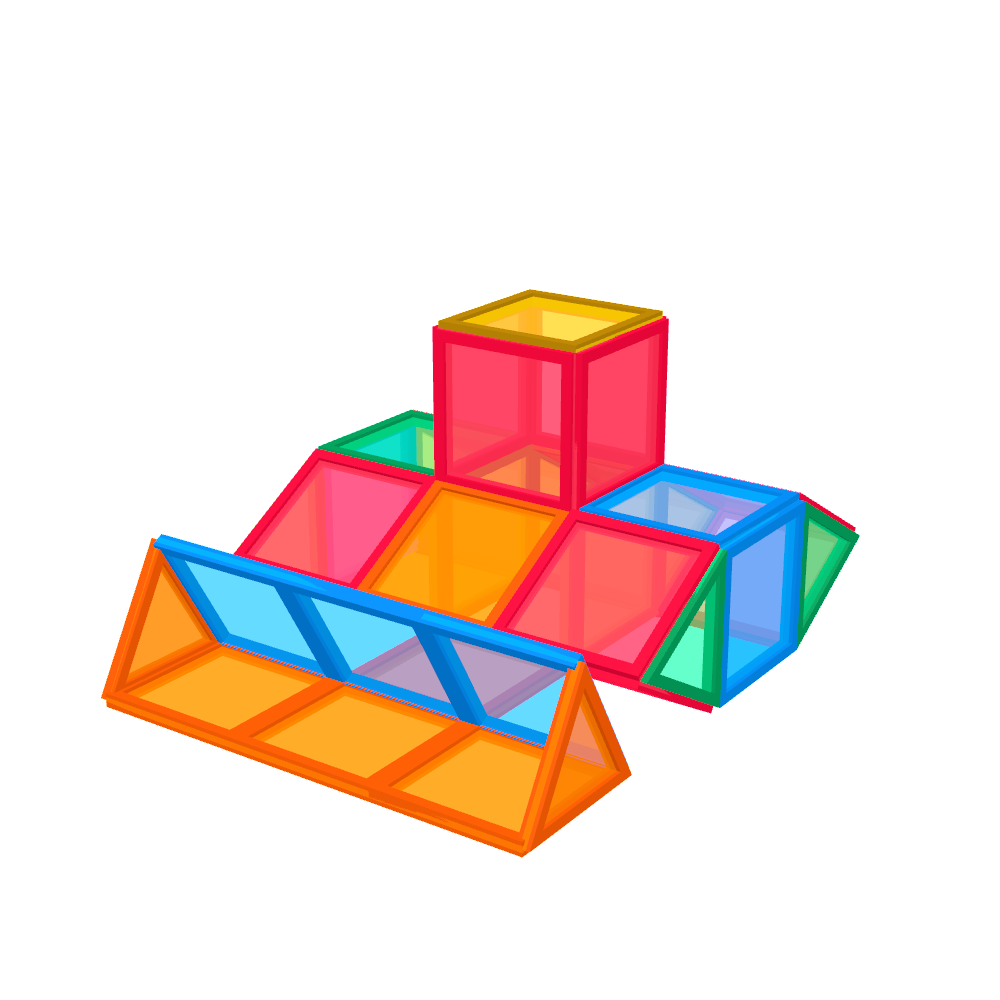
Start flat: easy builds, most of them pictures that lie on the table and take only a handful of tiles, perfect for naming shapes and colours.
The magnetic tile ideas app
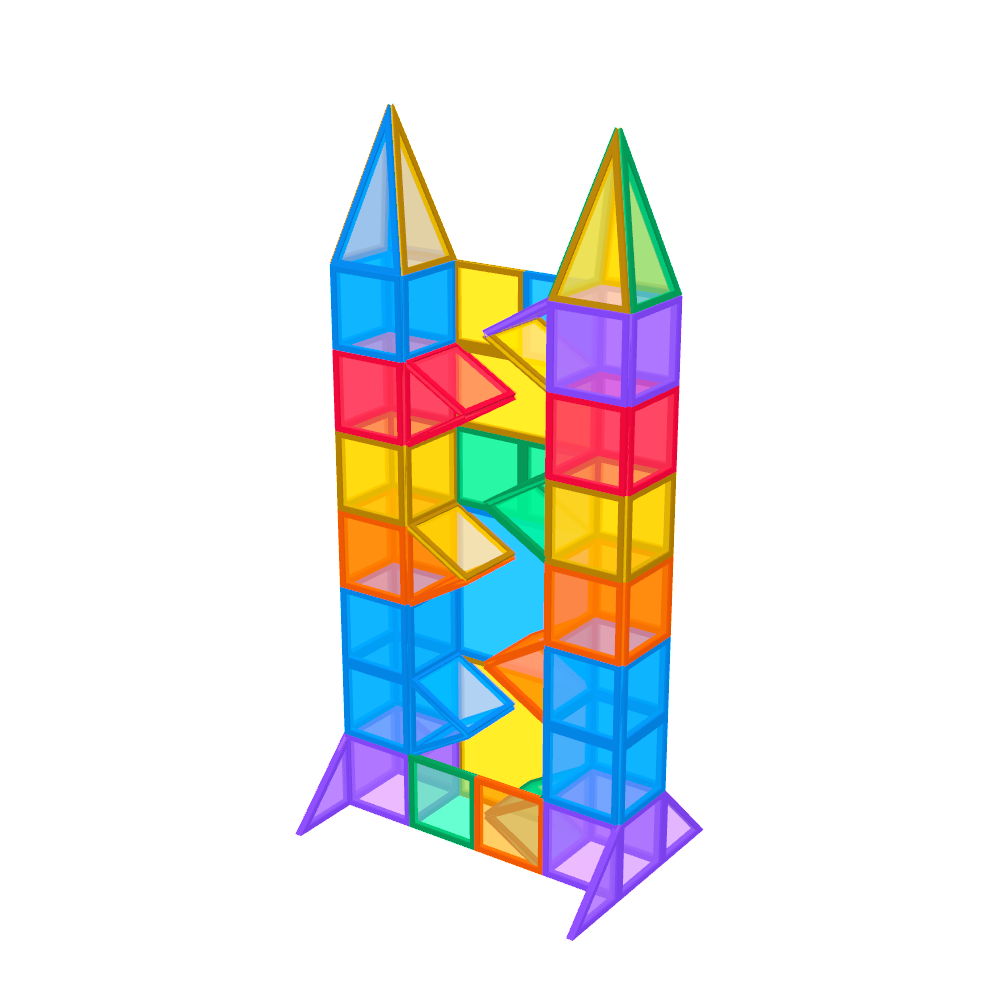
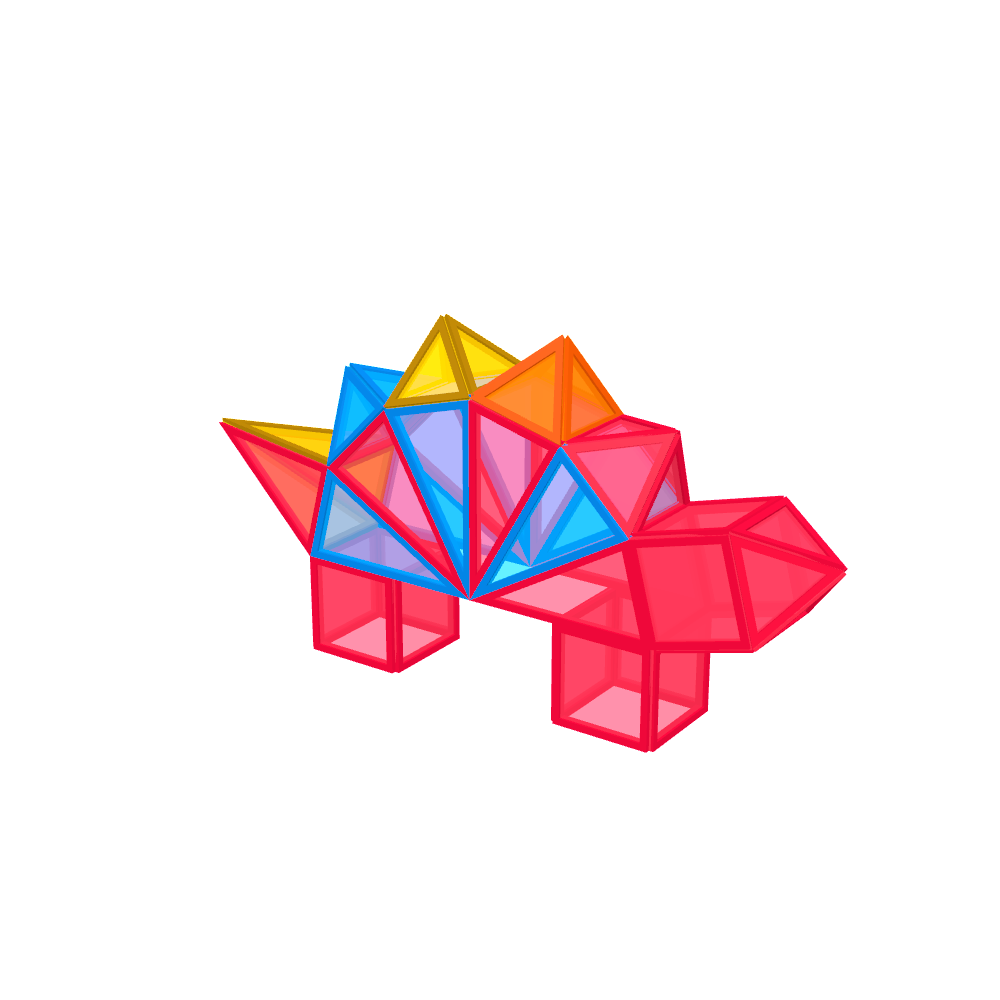
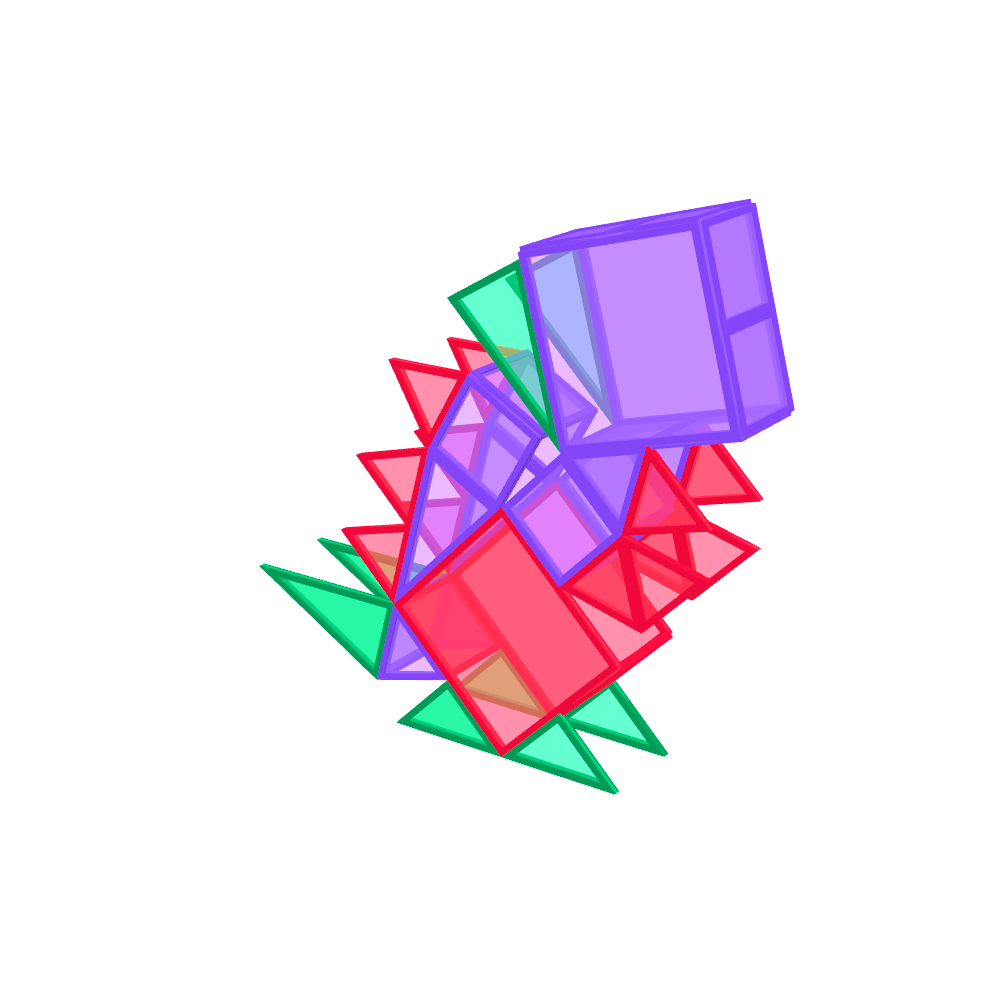
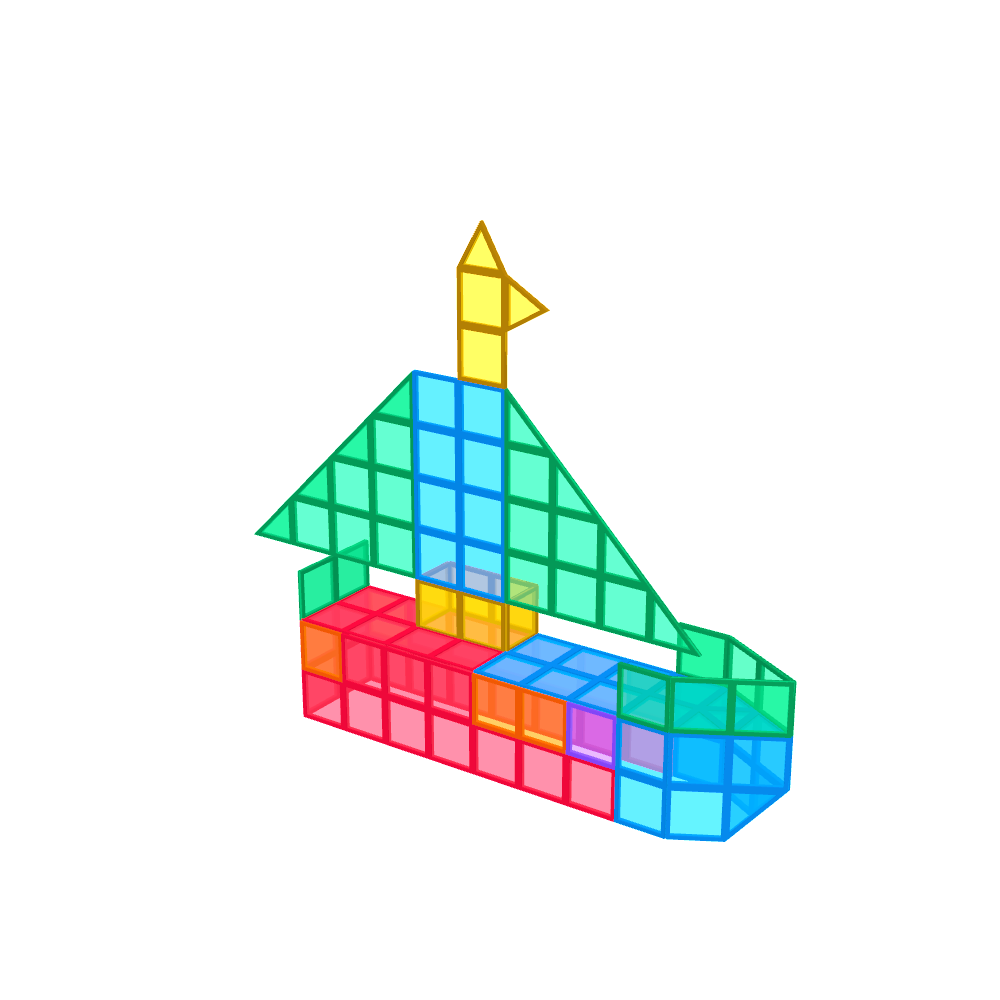
Drag to turn it
Castles, rockets, animals and more: hundreds of builds you follow step by step in 3D, made for the tiles you already have. Turn them, watch them come together and see them on your table before you start.
How it works
Take one photo of your tiles. Magitile does the rest.
Counted from one photo
Lay your tiles out and take one photo from above. Magitile counts every one, and the photo stays on your device.
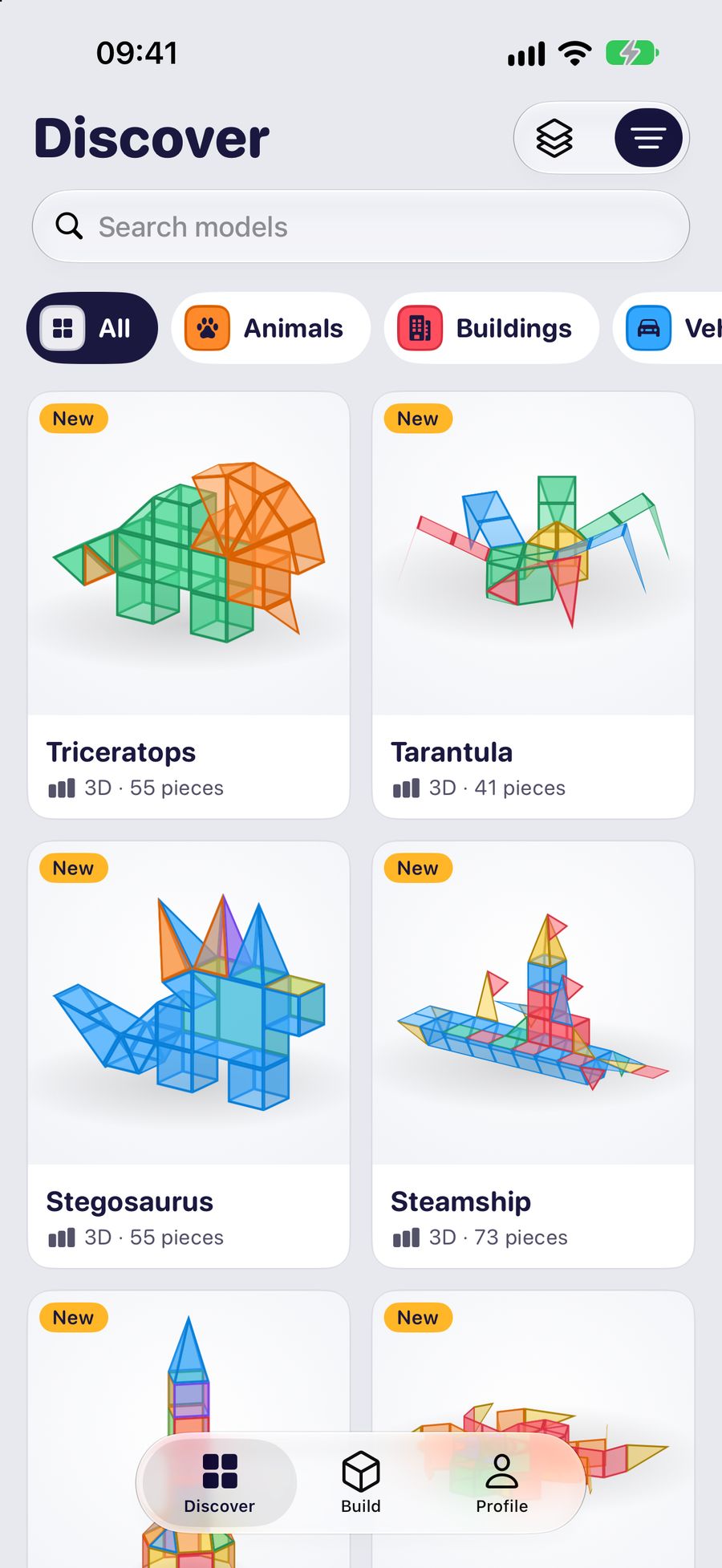
Hundreds of ideas
Castles, animals, vehicles and more, each marked easy, medium or hard, and only the ones your set can build.
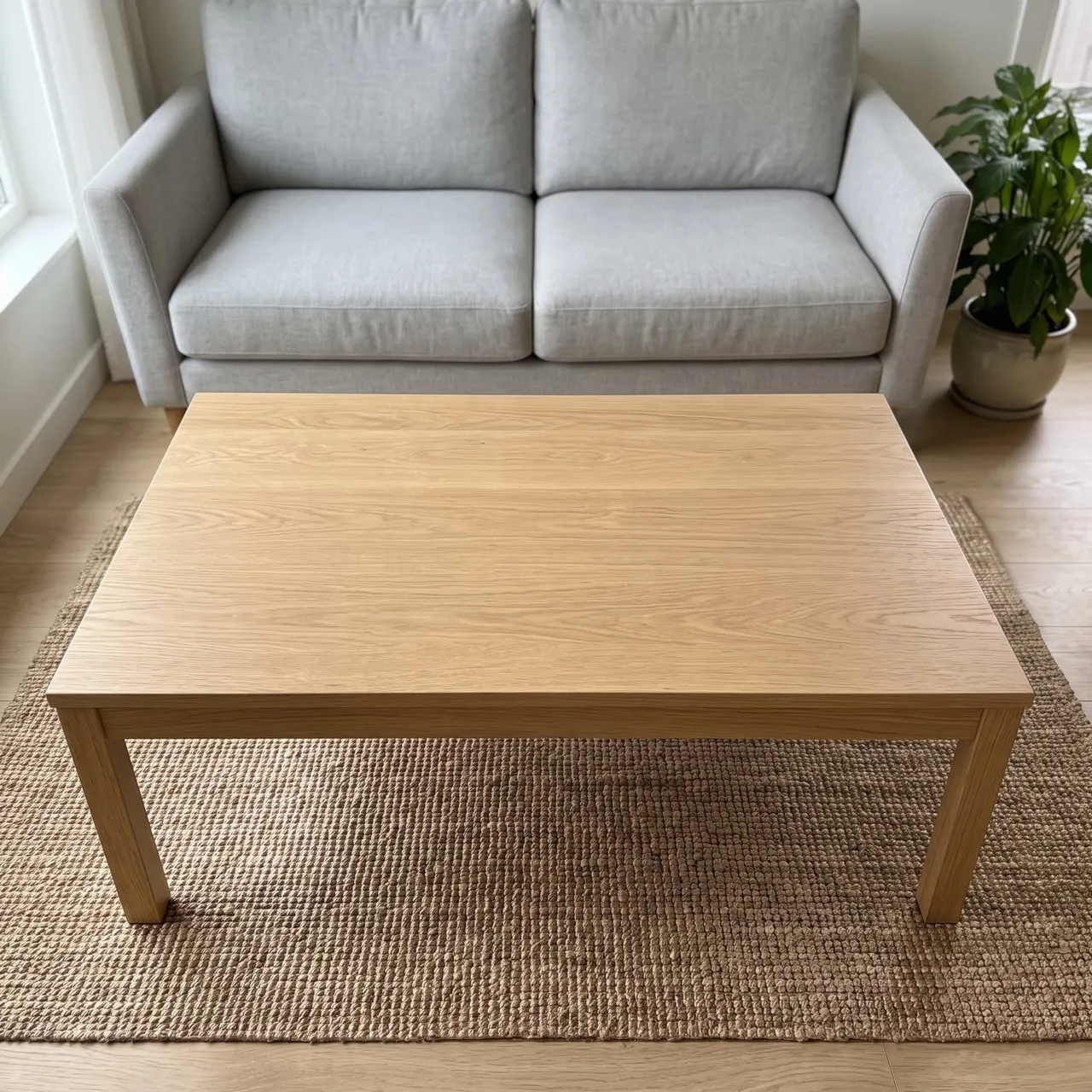
Real size, in AR
Stand the build on your table at its real size, walk around it, and let the kids choose.
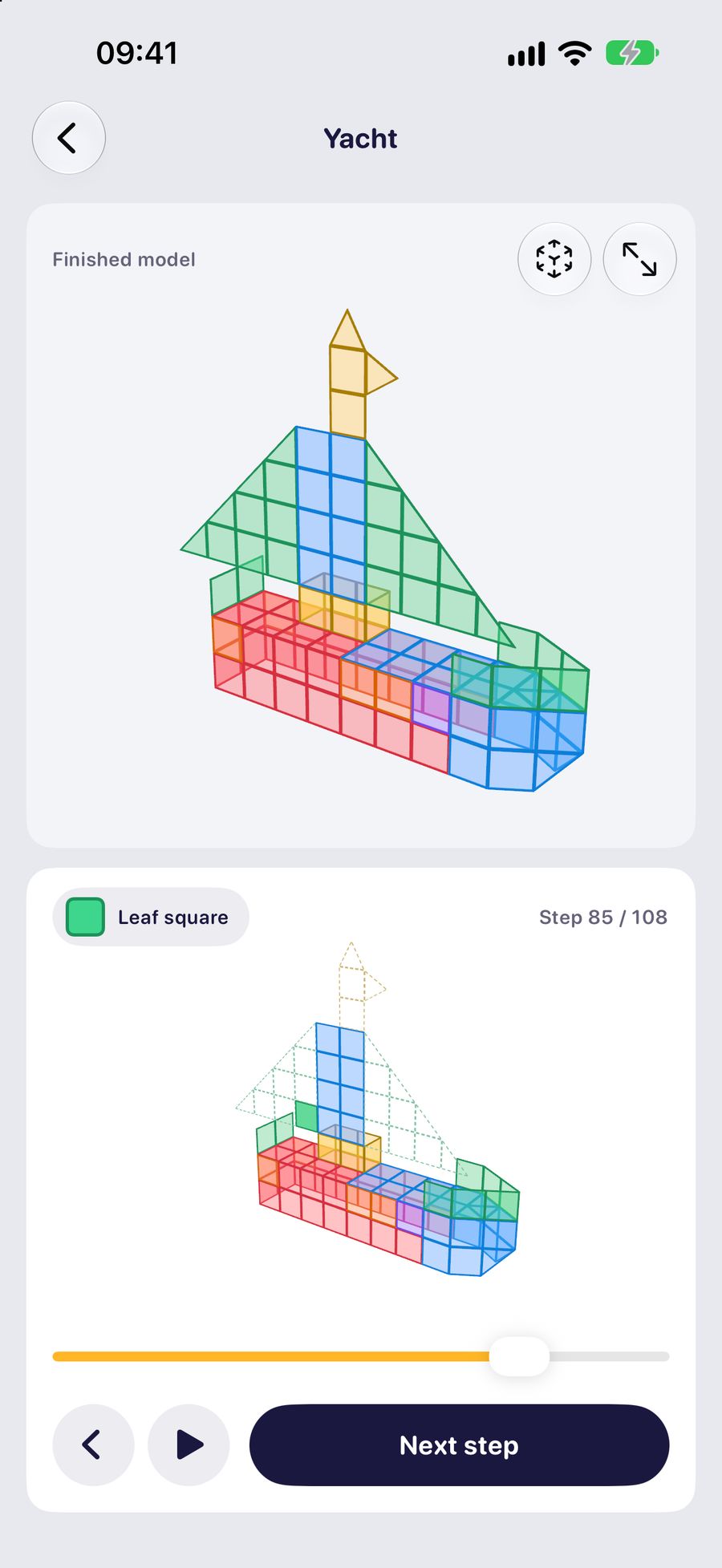
One tile per step
The next tile glows in place. Turn the model to see the back and the base, the parts a photo never shows.
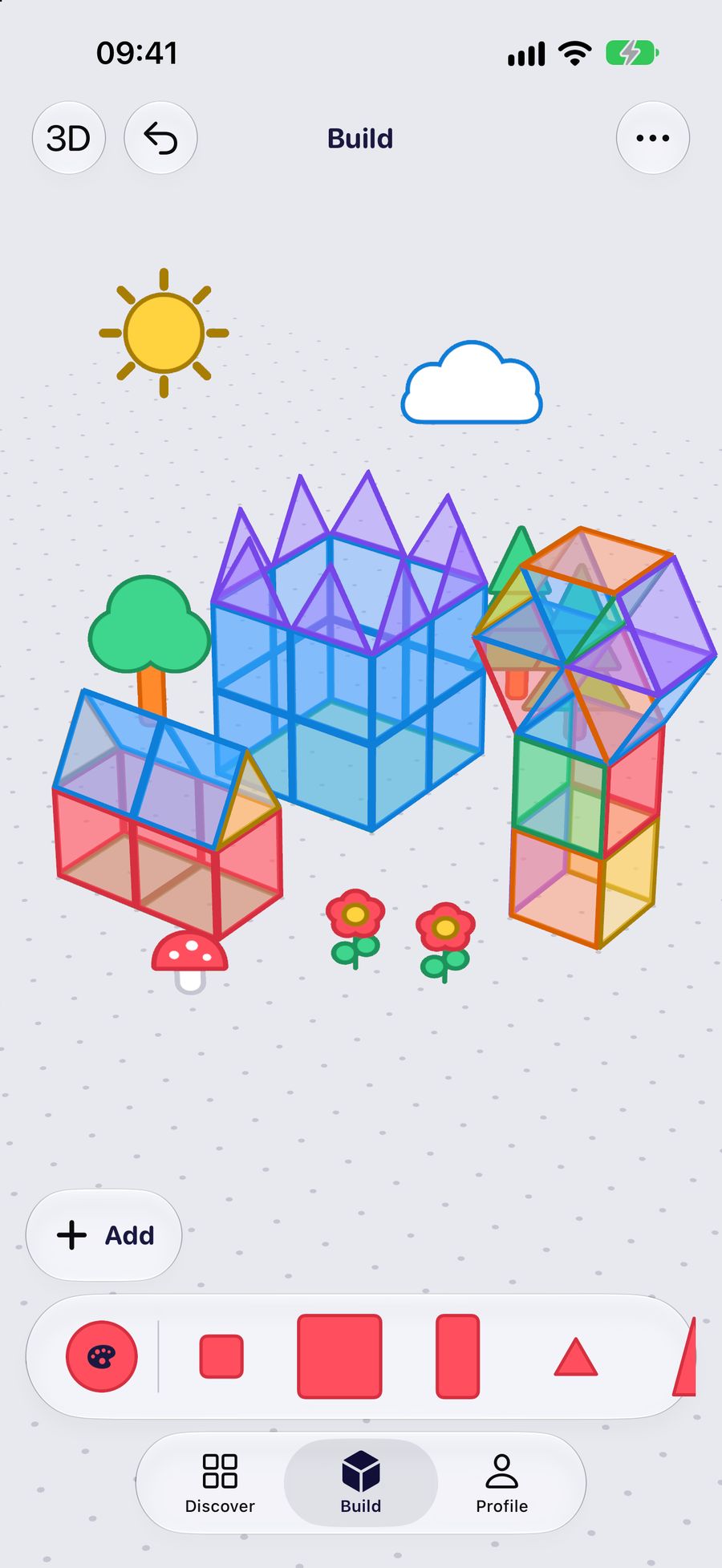
Free play in Build
Kids make up their own creations, add finished builds, and dress the scene with trees, clouds or a whole beach. In 3D, or flat on a canvas.
Free to download for iPhone and iPad, with free builds to start with.
In the app
Pick a theme your kids love. Every build in it is guided one tile at a time and checked against the tiles you own.
Dinosaurs, sharks, owls, bunnies and more
In the appHouses, towers, bridges and famous landmarks
In the appTrains, planes, lorries and ships
In the appFlowers, trees and fruit
In the appRockets, robots, stars and the sun
In the appCastles, palaces, crowns and unicorns
In the app Drag to turn it
Every tile in place 54 of 54
Try it right here
This is how Magitile guides you: one tile per step, in the order that keeps the build standing. Press play, or step through the spinosaurus yourself and turn it at any step.
Why Magitile
Most build ideas online are a photo of the finished build, or a quick video. This is what changes with Magitile.
| A photo or a video | Magitile | |
|---|---|---|
| The order | A photo or a video: You guess it from the finished build. | Magitile: Every tile in an order that keeps the build standing, one step at a time. |
| The back and the base | A photo or a video: Hidden behind the front. | Magitile: Turn the 3D model at any step and see every side. |
| Your own tiles | A photo or a video: Halfway through, a piece runs out. | Magitile: Only the builds your tiles can make, in the colours you have. |
| Little hands | A photo or a video: Pause, rewind, find the place again. | Magitile: Big buttons, the next tile glowing in place, and a build that plays by itself. |
| The next idea | A photo or a video: Searching all over again. | Magitile: New builds keep arriving in the app, and it can tell you when. |
By age
Start flat: easy builds, most of them pictures that lie on the table and take only a handful of tiles, perfect for naming shapes and colours.
Builds that stand up on their own, like small towers, rockets and cars, a floor at a time.
Big builds like the marble tower, the yacht and the dinosaurs on this page, built in one go or over a few afternoons.
Questions
What parents ask before the first build.
Yes. Magitile is an app for iPhone and iPad that shows you what to build with the magnetic tiles you already have, and how. It counts your tiles from one photo, suggests builds your set can make, from flat pictures for toddlers to big castles, and guides each build one tile at a time in 3D. It works with tiles from any box, comes in 50 languages and is free to download; Magitile Premium unlocks every build and the AR preview.
Almost anything with flat sides: castles, houses and towers, rockets and spaceships, animals, flowers, trees and vehicles, plus flat pictures that lie on the table. Magitile has hundreds of builds, from a handful of tiles to big castles, each with step-by-step 3D instructions.
Flat pictures are the easiest: a fish, a bird, a sun or a star made of 6 to 12 tiles lying on the table. Next come small rings of squares, like the ground floor of a tower. Name the shapes and colours as you go, and build on a hard, flat surface.
Most of the builds in Magitile need 60 tiles or fewer, so a 60-piece set goes a long way if it has the right shapes. Tell Magitile which tiles you have and it shows only the builds your set can make.
Lay the tiles flat on a plain surface, apart from each other, and take one photo from straight above. Magitile outlines every tile it finds and counts the squares, triangles and other shapes on your device; the photo is never uploaded. You can correct the counts afterwards, or skip the photo and add tiles with plus and minus buttons.
Yes. With Magitile Premium, any build stands on your table at its real size in AR, so you can walk around it before the first tile goes down. On an iPhone or iPad you can try it on this page with the spinosaurus.
Most magnetic tiles, also sold as magnet tiles or magnetic building tiles, share the same basic sizes, so tiles from different sets usually connect, though magnets and edges can differ a little between brands. In Magitile you simply add up every shape you own, whichever box it came from.
Magitile is free to download and comes with free builds to start with. Magitile Premium unlocks every build, the AR preview and more saved scenes.
iPhone and iPad with iOS 18 or later. Magitile is not on Android yet.
Yes. Every step places a single tile, in the order that keeps the build standing, and you can turn the 3D model at any step to see exactly where the tile goes. Try it with the spinosaurus on this page.
Hundreds of magnetic tile ideas, step-by-step 3D instructions and AR, for the tiles you already have. Free to download for iPhone and iPad.